
How to Structure an SEO Migration Without Losing Traffic
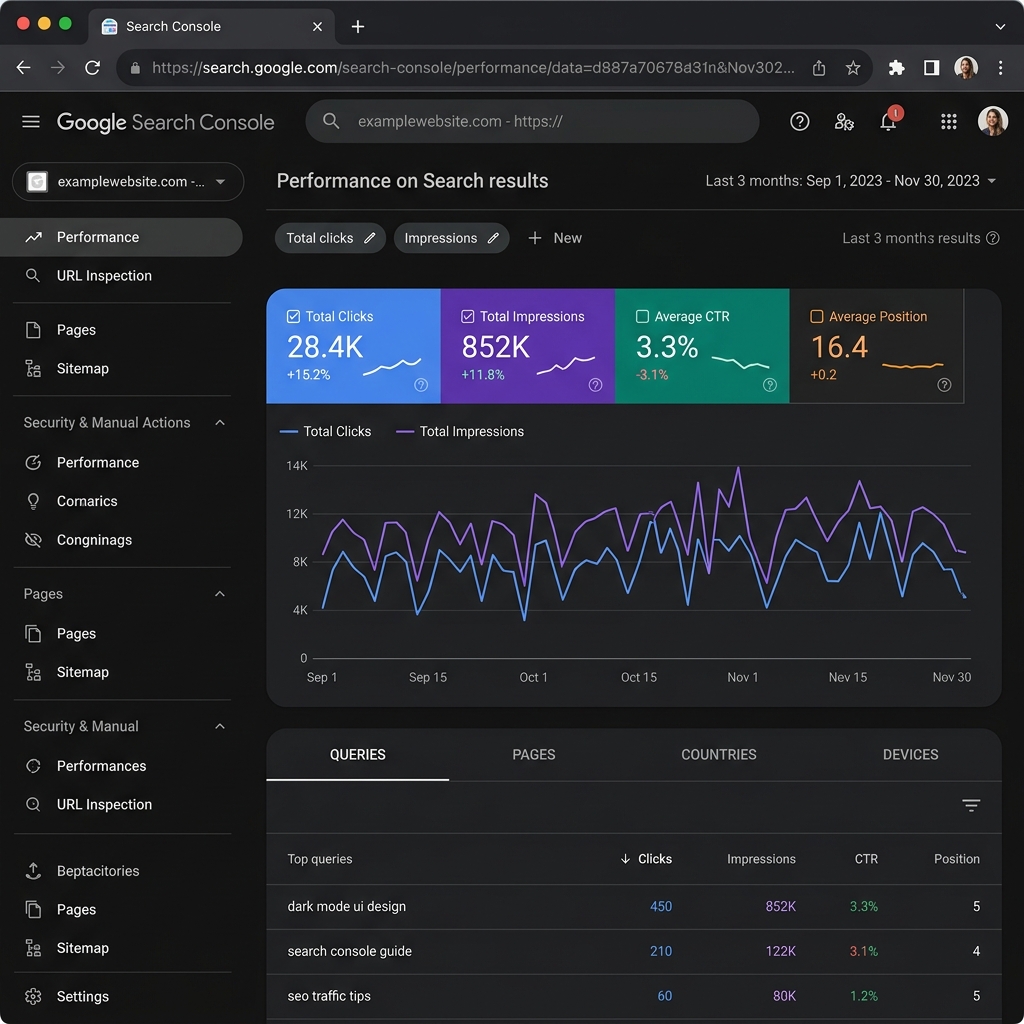
Structuring an SEO migration without losing traffic requires performing a complete pre-launch URL crawl, creating a comprehensive 1-to-1 redirect map, maintaining identical heading structures and metadata for top-performing pages, and thoroughly auditing Google Search Console for crawl errors post-launch. If search engines cannot trace your old pages to the new paths, or if internal links break, you can lose years of built-up domain authority and organic search positions overnight.
The Risk of Rebuilding Without an SEO Plan
A site migration—whether you are changing domain names, upgrading to a modern headless stack, or simply cleaning up your URL subfolders—is one of the highest-risk moments for organic search visibility.
When Google's web crawlers find that hundreds of indexed pages have suddenly vanished or are throwing 404 errors, they will systematically de-index those pages. This drop in indexation leads directly to a loss in search impressions, clicks, and incoming leads. To mitigate these risks, you need a structured transition plan.
At Lakion Studio, we integrate migrations directly into our custom SEO Services and comprehensive Digital Strategy setups, ensuring your business does not lose traffic during redesigns.
4 Essential Steps for a Traffic-Safe Migration
Protecting your rankings requires continuous monitoring. If you need dedicated technical support to manage your site's transition, check out our Sitecare & Hosting plans.
Frequently Asked Questions
How long does search traffic take to recover after a migration?
Even with a flawless migration, it is normal to experience minor traffic fluctuations for 2 to 4 weeks while Google crawls and indexes the new URLs. Once the search engine processes the redirects and updates its index, your rankings should stabilize or improve.What happens if I forget to redirect my old URLs?
If you forget to implement 301 redirects, Google will treat the new pages as completely new content with zero authority. The old pages will return 404 errors, and your existing keyword rankings and backlinks will disappear from search results.Should I change all my URLs during a website redesign?
No. Unless your current URL structures are unreadable, duplicate, or poorly organized, it is safest to keep your URLs exactly the same during a redesign. Only modify URLs if you are consolidating content, fixing site architecture, or moving to a more search-friendly structure.Need a strategy?
Tell us what you want to grow. We'll audit your setup and recommend the right mix of web, SEO, ads, and workflow automation.
Book a callGet in touch.
Tell us a bit about your project. You'll hear from a strategist (not a sales rep) within one working day.
- ✓Free 30-min strategy callNo pitch. Just a useful conversation.
- ✓Fixed-scope proposal in 5 daysOutcomes, milestones and price up front.
- ✓NZ-based, async-friendly teamAuckland HQ, projects shipped worldwide.